- SEORCH
- SEO Crawler
SEO Crawler
- Crawl up to 20,000 pages of a domain
- Crawl with executed JavaScript (headless browser)
- When the analysis is complete, you will receive an email
- Depending on how quickly the website replies, this can sometimes take a few hours
- Here you can see the progress
- also available as Whitelabel SEO Tool
The free SEO crawler
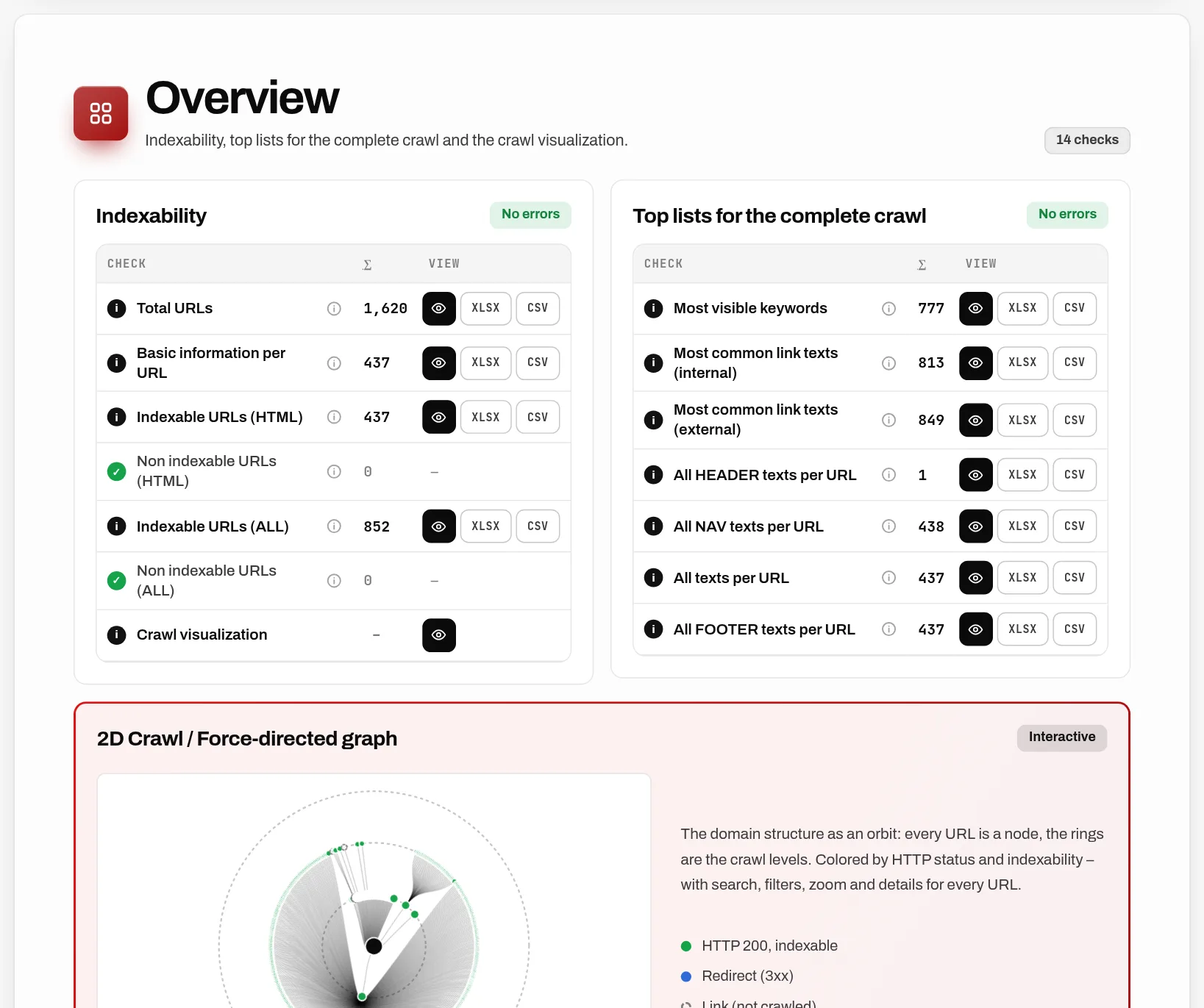
An SEO Crawler or SEO Spider crawls an entire website. That means, like a search engine, the crawler finds links and follows them. Depending on the size of a website, a few hundred to many thousands of URLs can be found. Each of these URLs is then checked for various factors. This is the same process that Google, for example, uses to crawl domains and then include them in the index and search results. Search results are based on URLs and only if these URLs are found, are not blocked by technical measures, are linked internally and have good content can they be indexed.
What does an SEO Crawler or SEO Spider do?
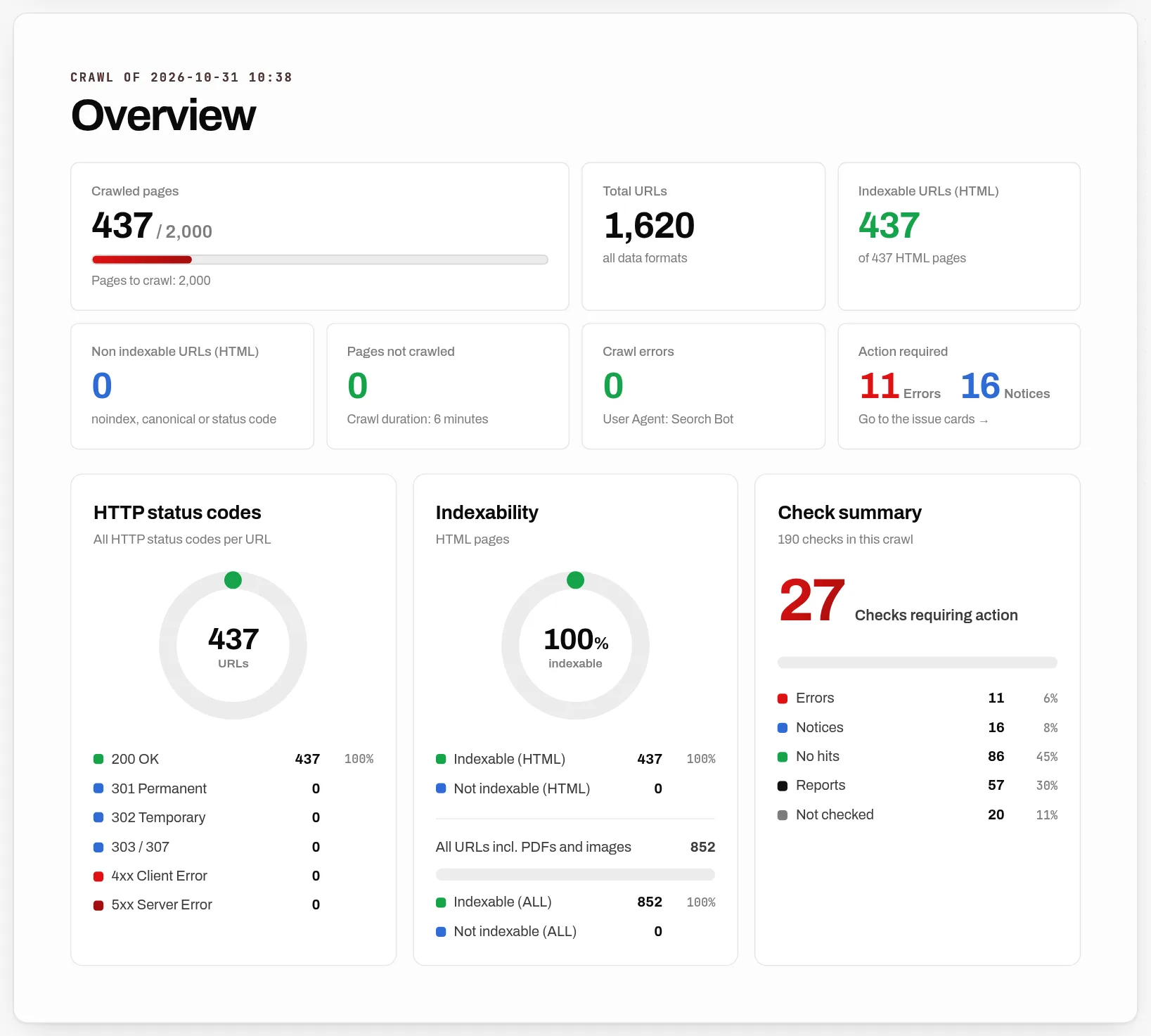
The SEO Crawler emulates a search engine crawl. It tries to interpret a domain with all its pages exactly like the spider of a search engine does. The difference from the search engine crawl is that you can see the result. So all problems or technical information of a page are shown in the result of the crawl. This allows you to find out quickly and easily where the search engine may have problems or whether there are areas of a domain that the search engine cannot find or index.
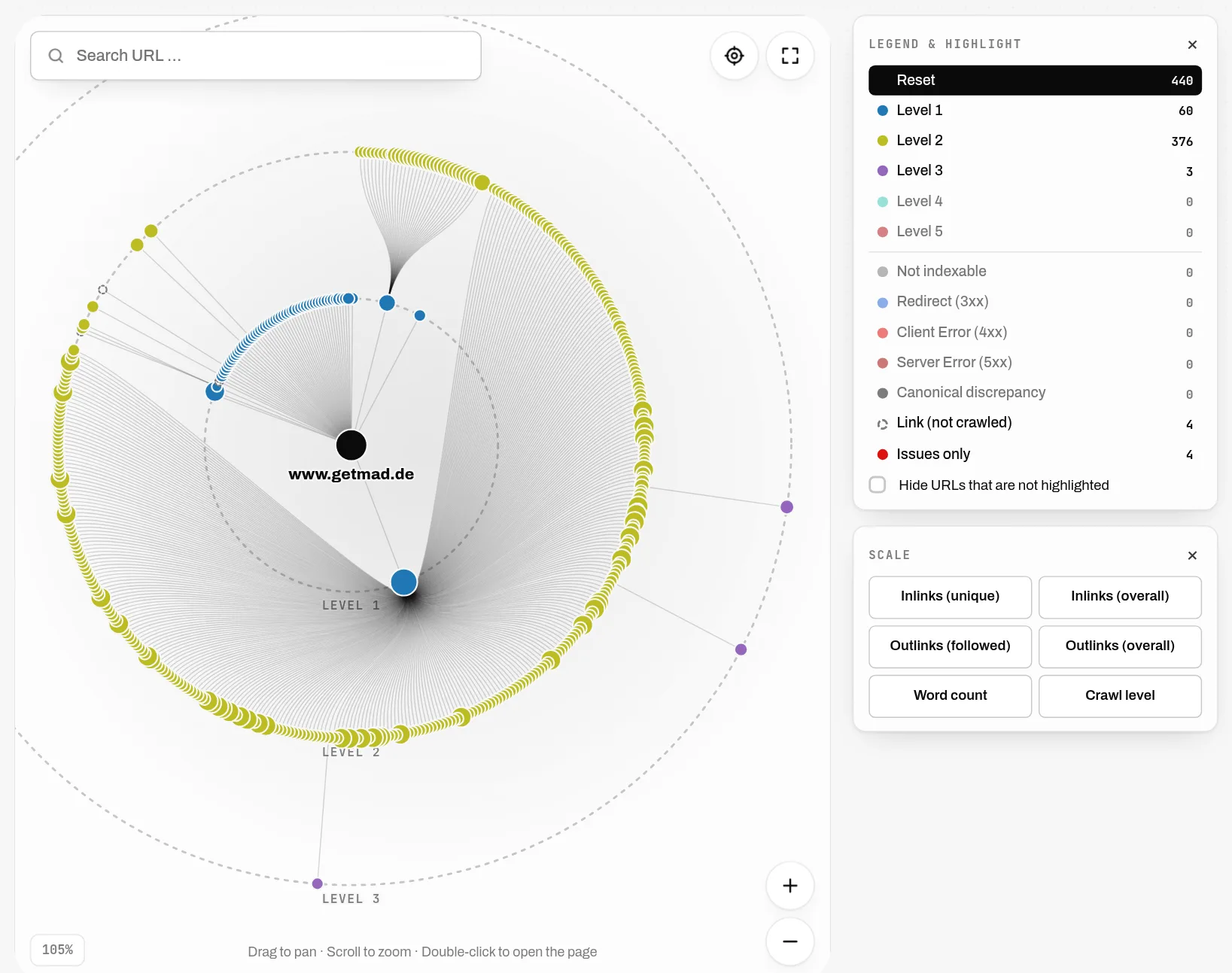
There are dozens of reasons why a URL can't be crawled or indexed and therefore doesn't show up in search results. For example, URLs can have a so-called "noindex" tag, be blocked by robots.txt, respond with a redirect, have a canonical tag on another URL, etc. An SEO crawler can show you all of this. You can fix these errors or consciously accept them and then crawl the page again and check your work.
Why should you use an SEO crawler?
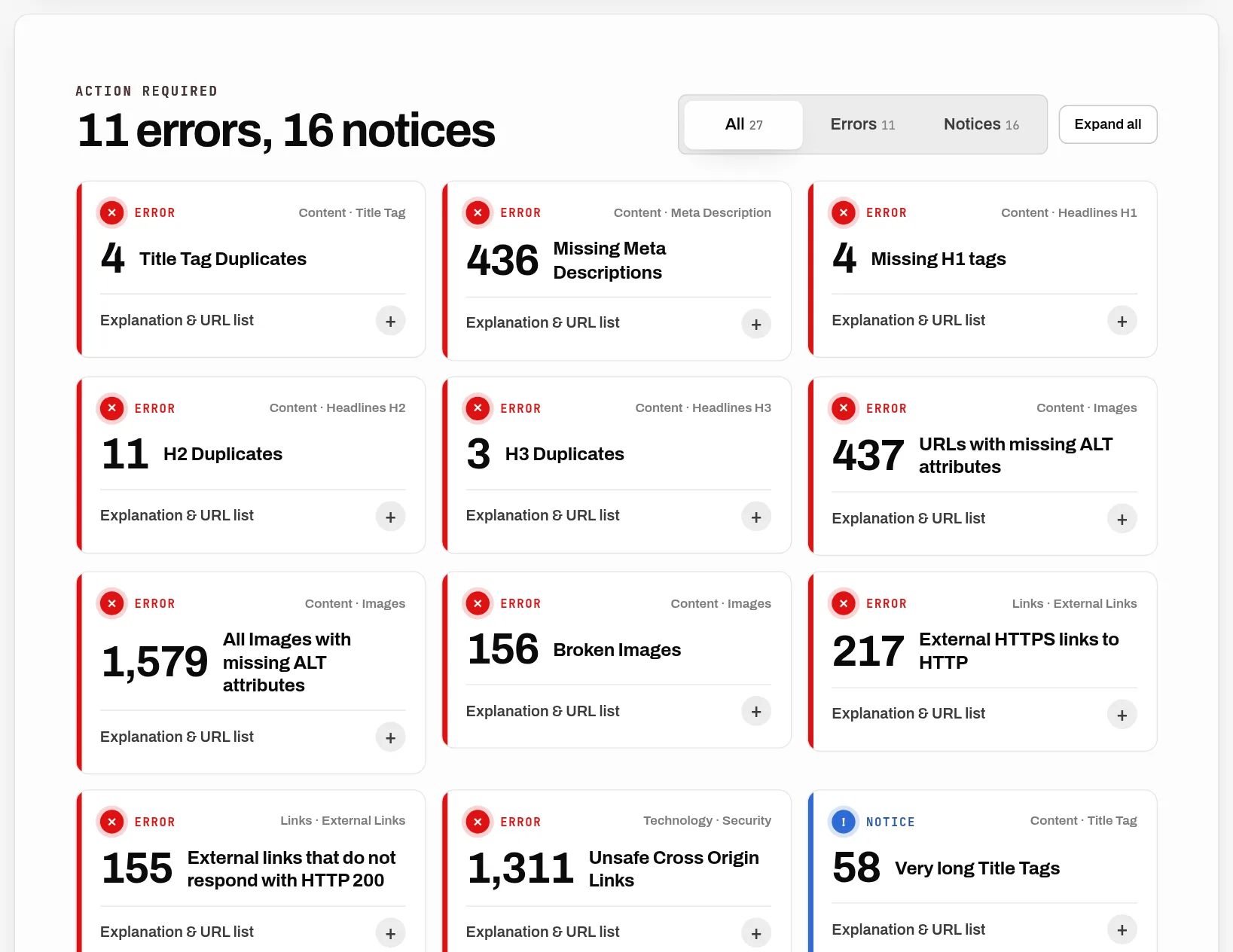
Even a very simple WordPress blog (freshly installed) has SEO problems. There is no meta description for any page. However, this meta description is used by search engines to display your page in the search results. Now there are hundreds of different content management systems, web shops or frontend frameworks that are used today. From a technical SEO point of view, however, very few are completely error-free. An SEO crawler finds these errors and they can be fixed.
Websites exist for a long time and are subject to change. New URLs are created, old URLs are switched off, entire new areas are created, redesigns are made and the CMS also gets an update from time to time. Then maybe many people are working on a domain and so many legacy issues arise. However, regular SEO crawls can ensure that none of these changes lead to problems with search engines.
For example, the new version of a web shop goes live. Since this web shop was previously tested in the development environment, crawling of the new shop via robots.txt was blocked. If you don't crawl regularly, you would only notice it when the rankings disappear from the search engines, because e.g. the Googlebot follows the robots.txt rules.
What does an SEO crawler check?
- Broken links, e.g. ending in an HTTP 404 status code
- Title tags and meta descriptions, duplicates and missing and empty tags
- Redirects, server errors and client errors
- Meta Robots / X-Robots and robots.txt and their disallow / noindex information
- Canonical and hreflang tags
- XML Sitemap
- Headings and texts, duplicate content
- Images, ALT tags and image sizes
- Structured data (Microdata, JSON-LD)
- Internal and external links, link text
- URLs, structure of URLs and errors in URLs
- Response times, Time To First Byte
- and much more
What differentiates the SEORCH SEO Crawler from competitors?
There are a variety of SEO crawlers (Screaming Frog SEO Spider, Audisto, Lumar or Sitebulb). What they all have in common is that you can crawl either no or very few pages for free. So you have to take out a subscription or buy a crawl contingent. This also makes sense for SEO professionals, but unfortunately it is often outside the budget of smaller projects.
With the SEORCH SEO Crawler you can crawl up to 20,000 URLs for free. There are no other restrictions. You can view all analyses and data online and also download them as CSV or Excel files. However, with the free approach, the data cannot be stored forever. If an old crawl is no longer in the database, you can simply crawl again.
What do you do with the result of the crawl?
Problems or errors are highlighted in blue and red in the crawl result and you should not let them overwhelm you at the beginning. Ideally, you pick a topic, download the Excel and look at the problem on the website. For example, 404 errors are fairly easy to find and correct. But missing title tags or empty meta descriptions are also a good starting point to optimize the page. If a site has a high number of server errors (HTTP 500), you should speak directly to the developers of the site and ask what the reasons could be.